THE MULTI MODE ON FLASH SET UP
EQUIPMENT USED (WITH LINKS)
Camera & Lens:
Lights:
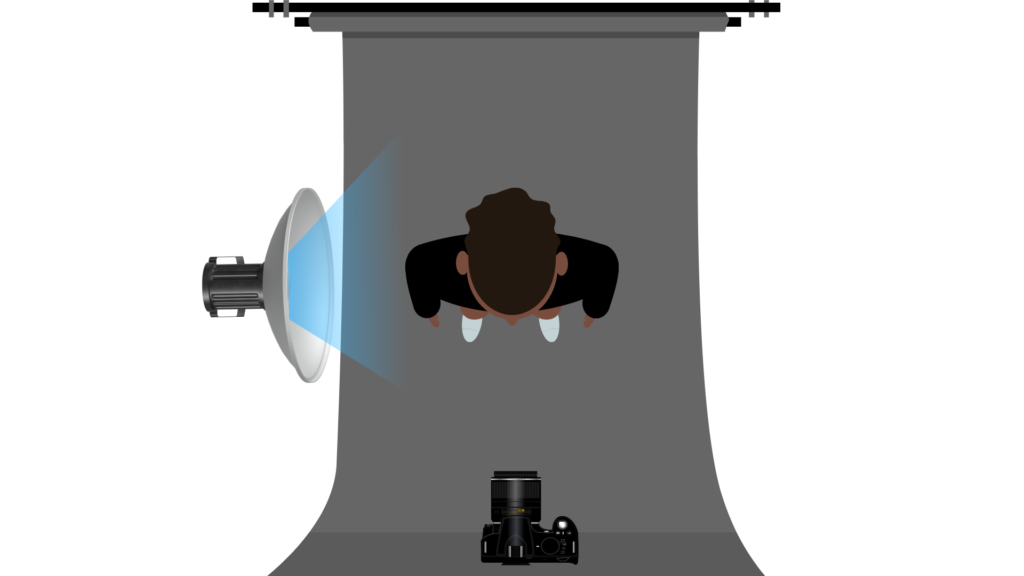
– Used as the key light with the blue gel
Godox Trigger XPro-C (make sure to select the correct one for your camera)
– This is used to trigger the flash when the shutter is released
Softbox:
– The softbox used for the key light
– Used to mount bowens style modifiers on to the V1
Stands:
Accessories:
Using The Multi Mode on Flash
Flash photography opens up creative possibilities for capturing stunning images in any lighting condition. Whether you’re working alone or using multiple light sources, understanding proper techniques makes all the difference.
Getting Started with Single Flash
Solo shooting with one flash teaches fundamental lighting skills. Position your flash off camera for dimensional portraits. Direct flash creates flat lighting, but angling it to the side adds depth and texture. Bounce the light off walls or ceilings for softer, more natural results.
Studio flash setup doesn’t require expensive equipment initially. Start with one speed light and a simple modifier. Practice controlling light direction and intensity before adding more complexity.
Moving to Multiple Light Sources
Multi-flash settings give you complete control over your lighting design. Use one flash as your main light source and add others for fill, rim, or hair lighting. This approach mimics professional studio results.
Advanced flash techniques involve balancing multiple light sources. Set your key light first, then add fill light at lower power. Background lights separate your subject from the surroundings. Each flash serves a specific purpose in your final image.
Using multiple flashes requires coordination. Wireless triggers sync your lights together. Set each flash to different power levels based on its role. The main light should be strongest, with supporting lights at 25 to 50 percent power.
Creative Approaches
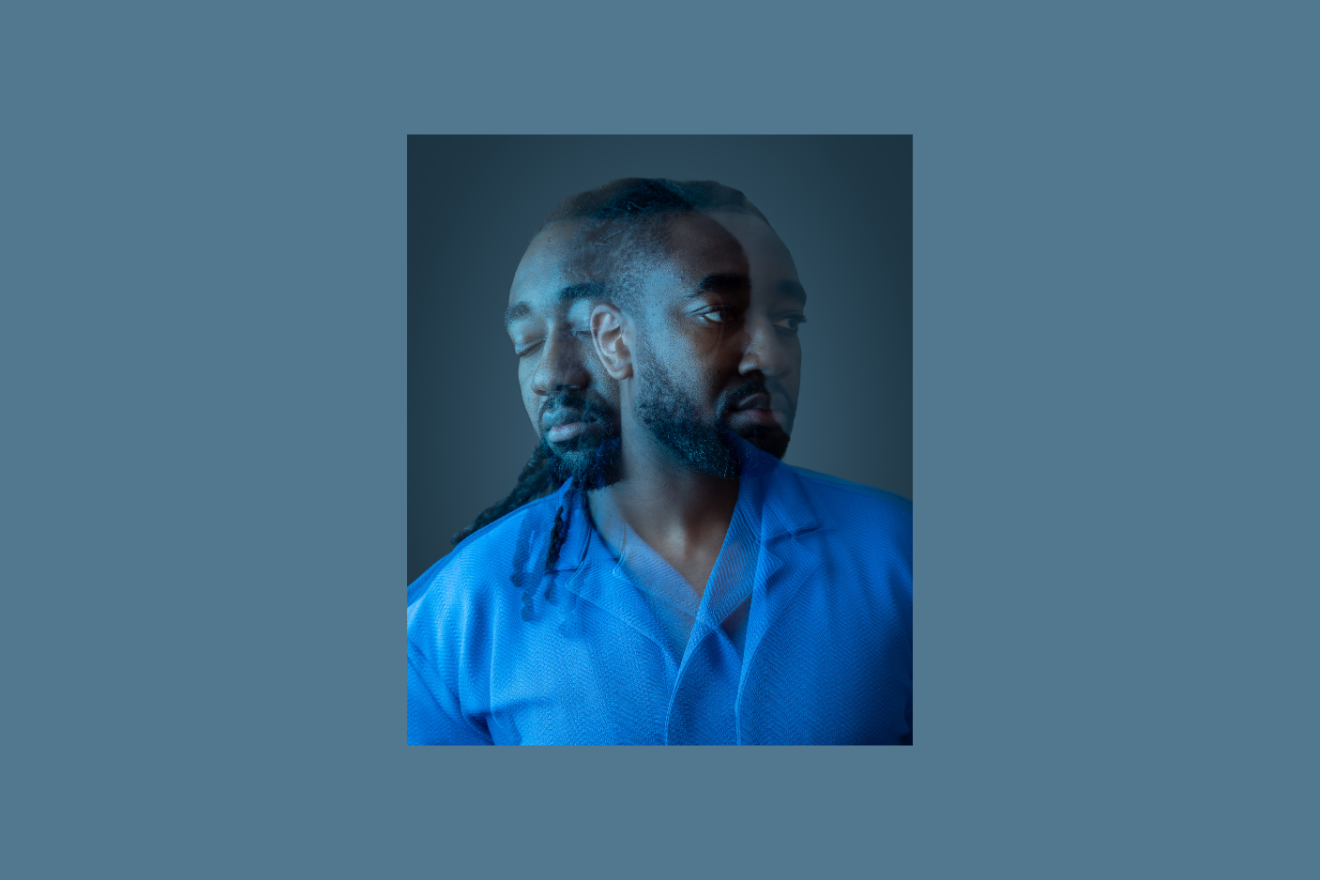
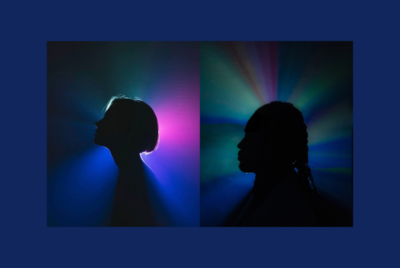
Creative lighting in photography goes beyond basic exposure. Multi mode on flash creates striking stroboscopic effects by firing several times during one exposure. This technique captures movement sequences in a single frame. Experiment with colored gels over your flashes for additional impact. Try mixing warm and cool tones for dramatic effects.
Portrait lighting with flash becomes easier with practice. The classic three-point setup uses key, fill, and rim lights. This configuration works for headshots, full-body portraits, and group photos. Multi mode on flash can add creative motion blur to portraits when subjects move slightly during exposure.
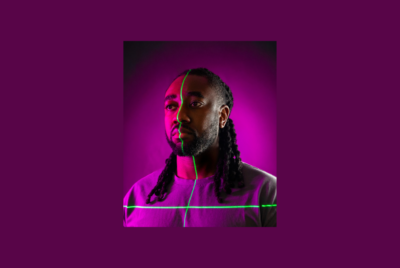
Laser lighting portrait techniques add unique visual elements. Combine traditional flash with continuous lights for motion effects. Long exposures with flash freezing capture both movement and sharp details. Multi mode on flash works exceptionally well for dance photography and sports action shots.
Technical Considerations
Photography lighting tips include understanding power ratios. Your camera’s flash sync speed limits shutter options. Most cameras sync at 1/200 or 1/250 second. Higher speeds may cause black bars in your images.
Manual mode gives you consistent results. Set your flash power based on distance and desired effect. Adjust incrementally rather than making large changes. Test shots help you refine settings quickly.
Practice different modifier combinations. Softboxes create gentle light, while reflectors add harder shadows. Umbrellas spread light broadly, and grids focus it tightly. Each tool changes your final image dramatically.
FAQs
What is multi mode on flash?
Multi mode fires your flash several times during one exposure. This creates stroboscopic effects showing movement in a single frame. It’s useful for capturing motion sequences or creative multiple exposure effects.
What is the best metering mode when using flash?
Manual metering mode works best with flash photography. It gives you control over both ambient light and flash power separately. This delivers consistent, predictable results every time.
How to take multiple shots on Fujifilm?
Access your camera’s drive mode through the menu or dial. Select continuous shooting mode. High-speed options capture up to 11 frames per second on most models.
Should I use AF or MF?
Use autofocus (AF) for speed in good lighting. Switch to manual focus (MF) in low light or when shooting through glass. Many photographers use AF then fine-tune with MF for precision.
I like the gear used
[…] Multi mode flash fires multiple times during one exposure. This creates stroboscopic effects showing movement. Set your flash to fire three to ten times per second. Subjects moving during exposure appear in multiple positions. […]
[…] Creative lighting setups start with understanding light direction. Side lighting emphasizes texture and creates dimension. Backlighting produces silhouettes and rim light effects. Top lighting adds mystery and drama. Each angle tells a different story. […]
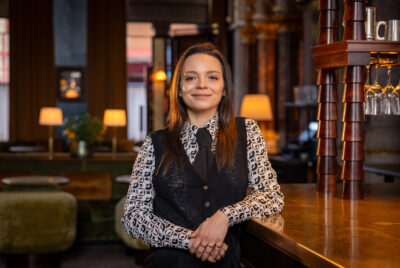
[…] Professional portrait setup begins with one main light source. Place it at 45 degrees to your subject and slightly elevated. This creates natural shadow patterns that define facial features. Adjust height and angle based on individual face shapes. Round faces benefit from side lighting while angular faces work well with softer positions. […]
Brilliant work! And thank you for sharing 🙌
Thank you!